Account
To use GreenCloud you must have successfully registered for an account. Upon activation, you will be given a free quota to get you started and may upgrade when you are ready.
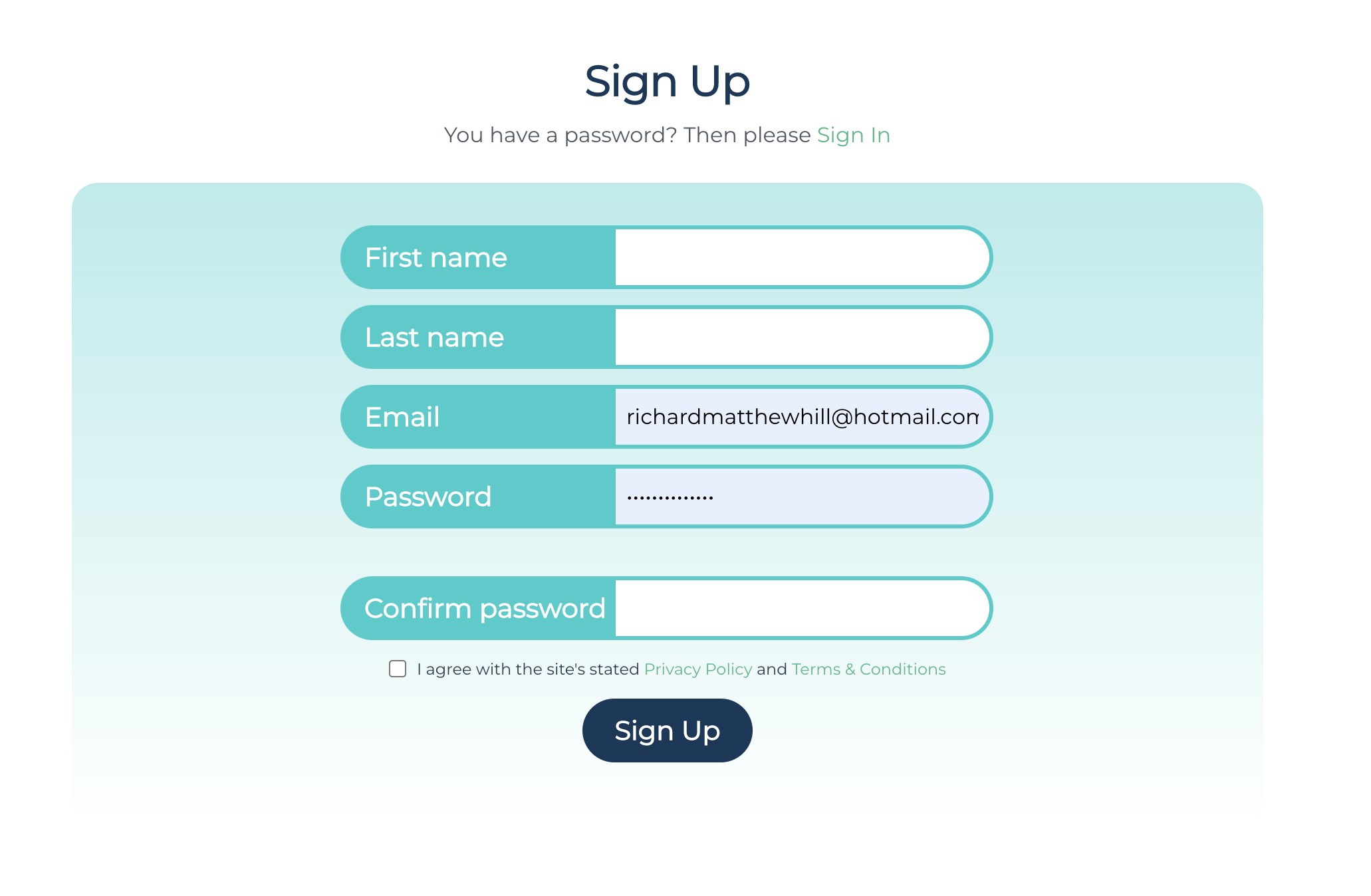
Sign Up
To sign up for a GreenCloud account please visit - GreenCloud - Sign Up
You will need to enter your
- First Name
- Last Name
- Password
Sign In
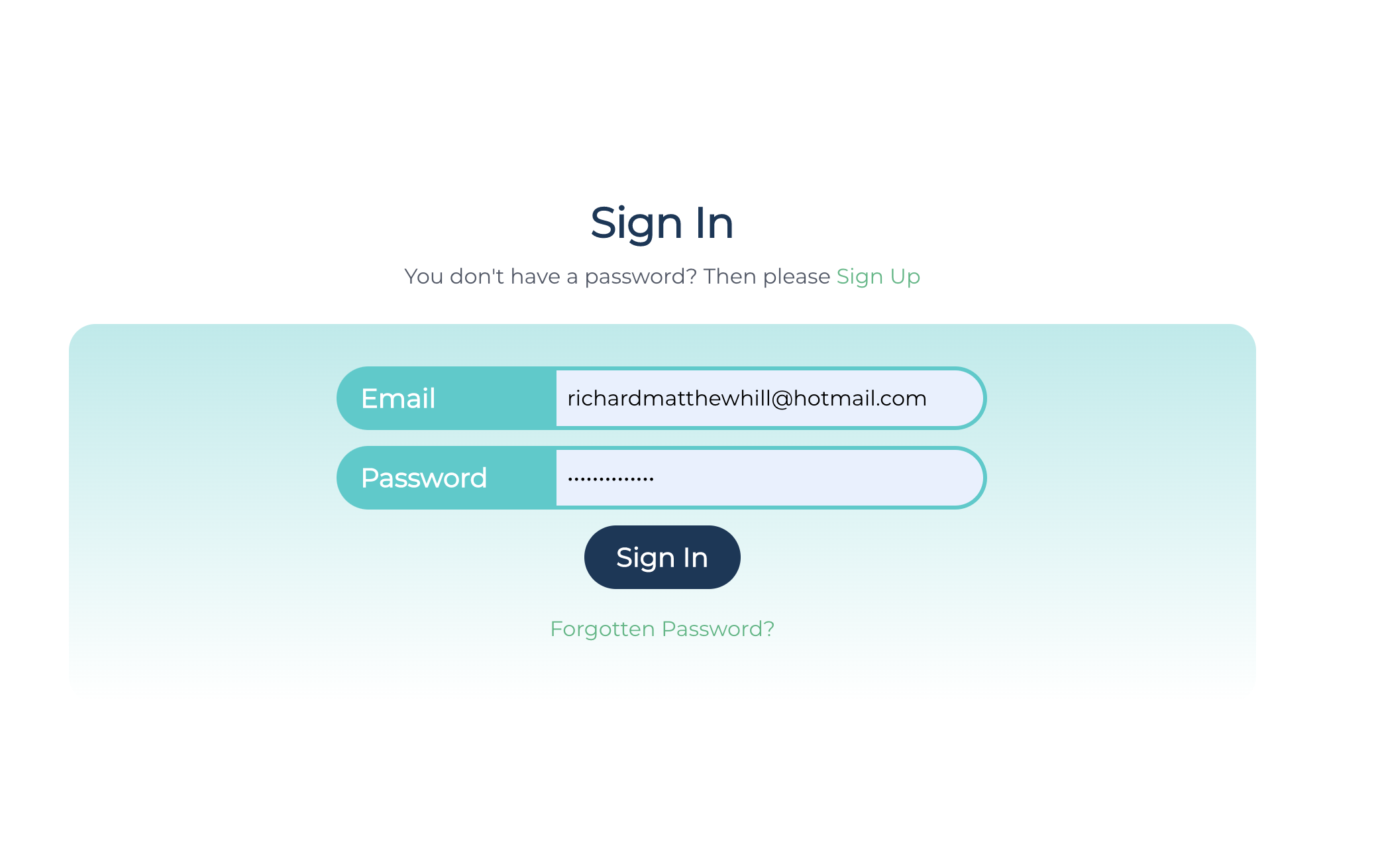
To sign in to your GreenCloud account, please visit GreenCloud - Sign In :
You will need to enter the following information
- GreenCloud account name (email address)
- GreenCloud account password
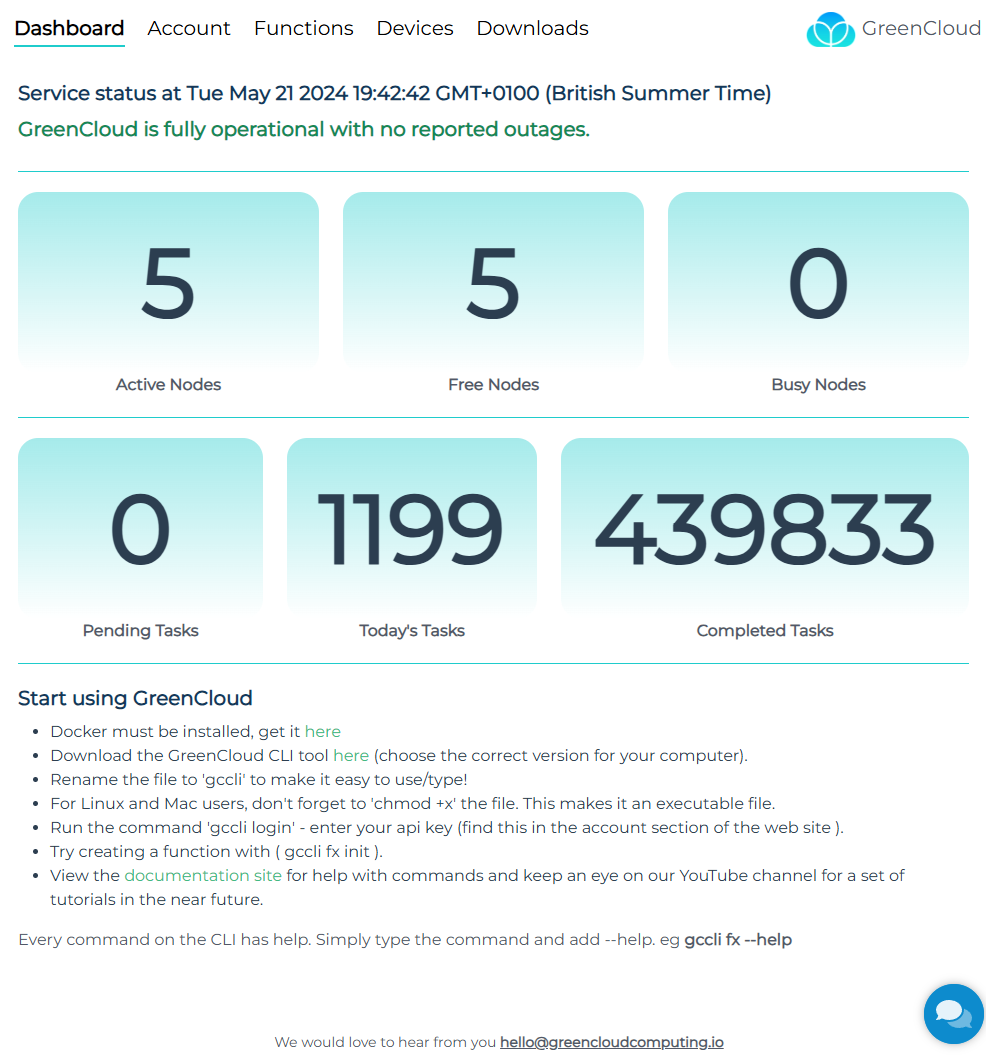
Upon the correct entry of credentials you will be re-directed to the GreenCloud App dashboard to manage your account.
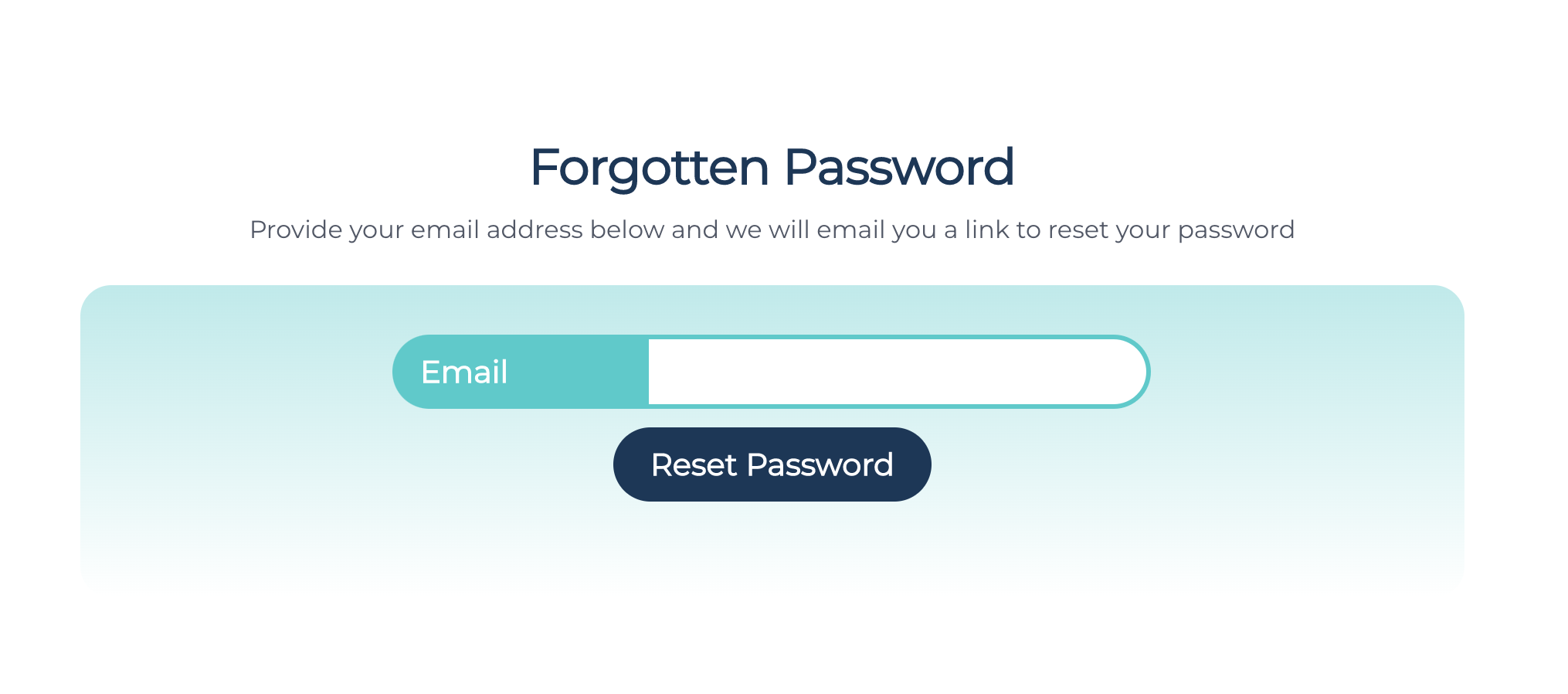
Reset Password
If you have forgotten your password, don't worry! See the steps below to reset your GreenCloud account password!
- Navigate to the reset password link GreenCloud - Password Reset
- Enter your email address associated with your GreenCloud account
- If the email address matches a know GreenCloud account you will receive an email with a password reset link in it.